Welcome to Rotely
What is Rotely? Why did we build it?
We built Rotely because we thought flashcard apps were too expensive, too complicated, and too boring.
Rotely aims to simplify your experience and provide newer AI experiences to help you learn.
Learn#
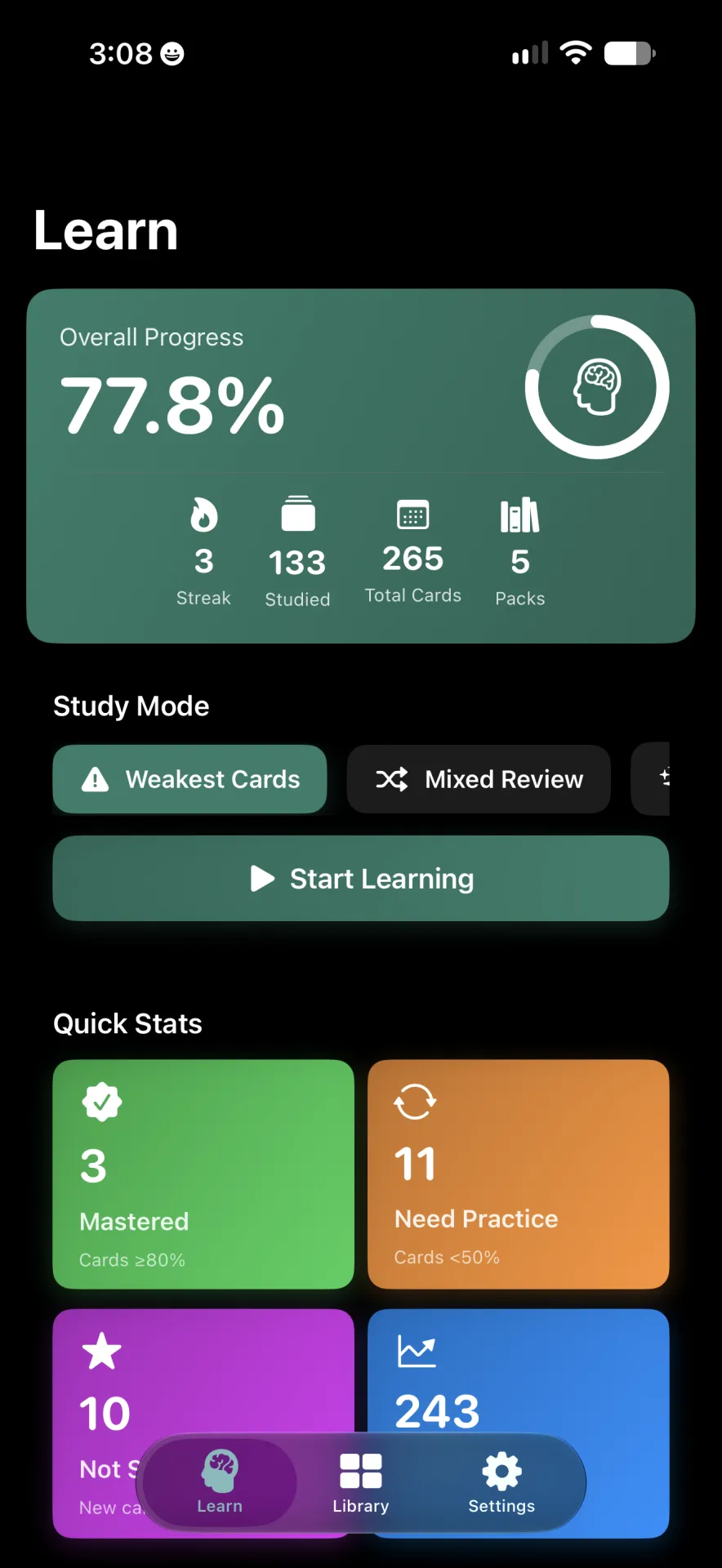
When you first open the app, you are taken straight to the Learn screen. From this screen you can see an overall progress level at the top in a green card. Below that you can see quick study modes such as "Weakest Cards". Then you see "Quick Stats" for a breakdown. Followed by Pack Performance and Cards to Focus On.
Note
If you have never created a pack or any flashcards, this screen may not show you anything.
Library#
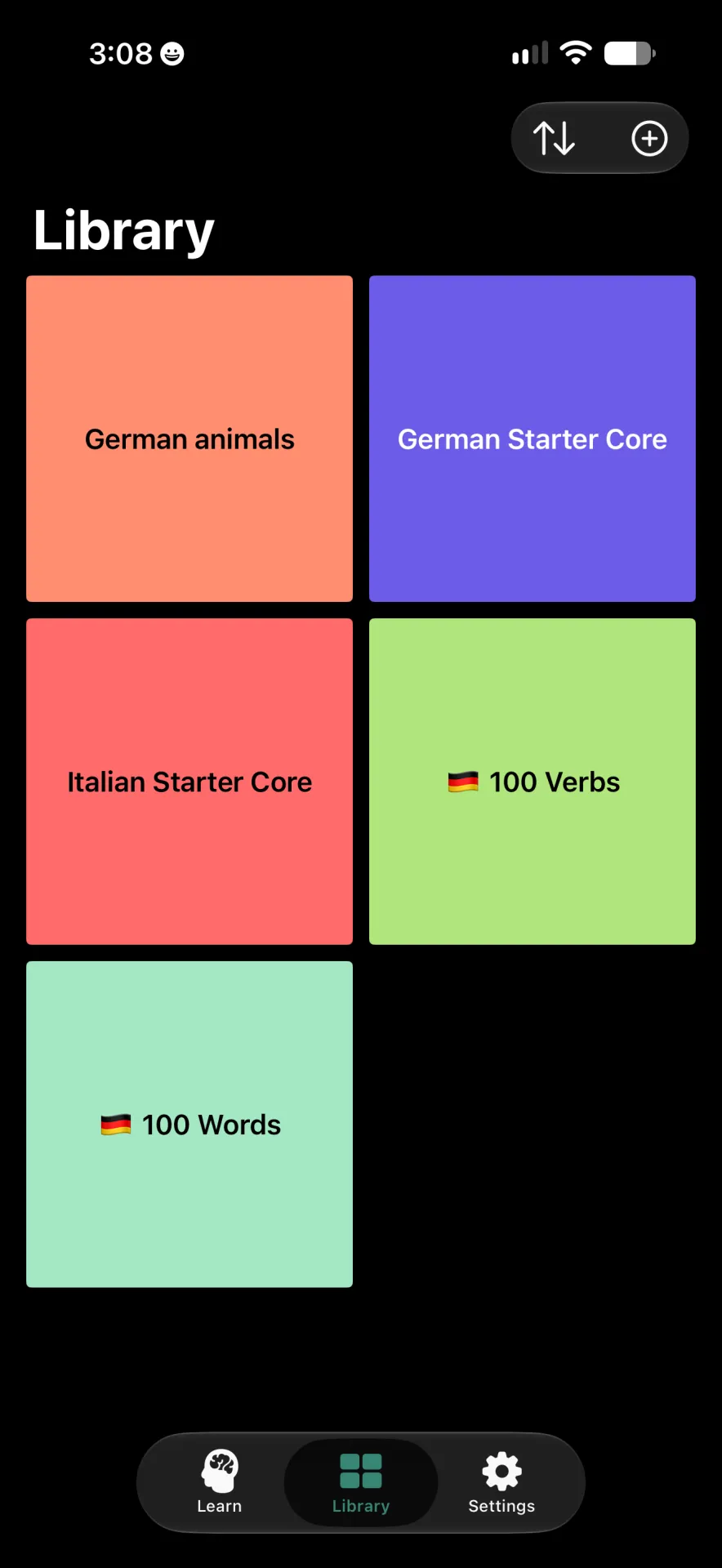
The Library screen allows you to see all of your packs, create and manage packs, and sort and search packs. If you want to start studying a specific pack this is the best way to access it. Think of this as playlists for music.
Settings#
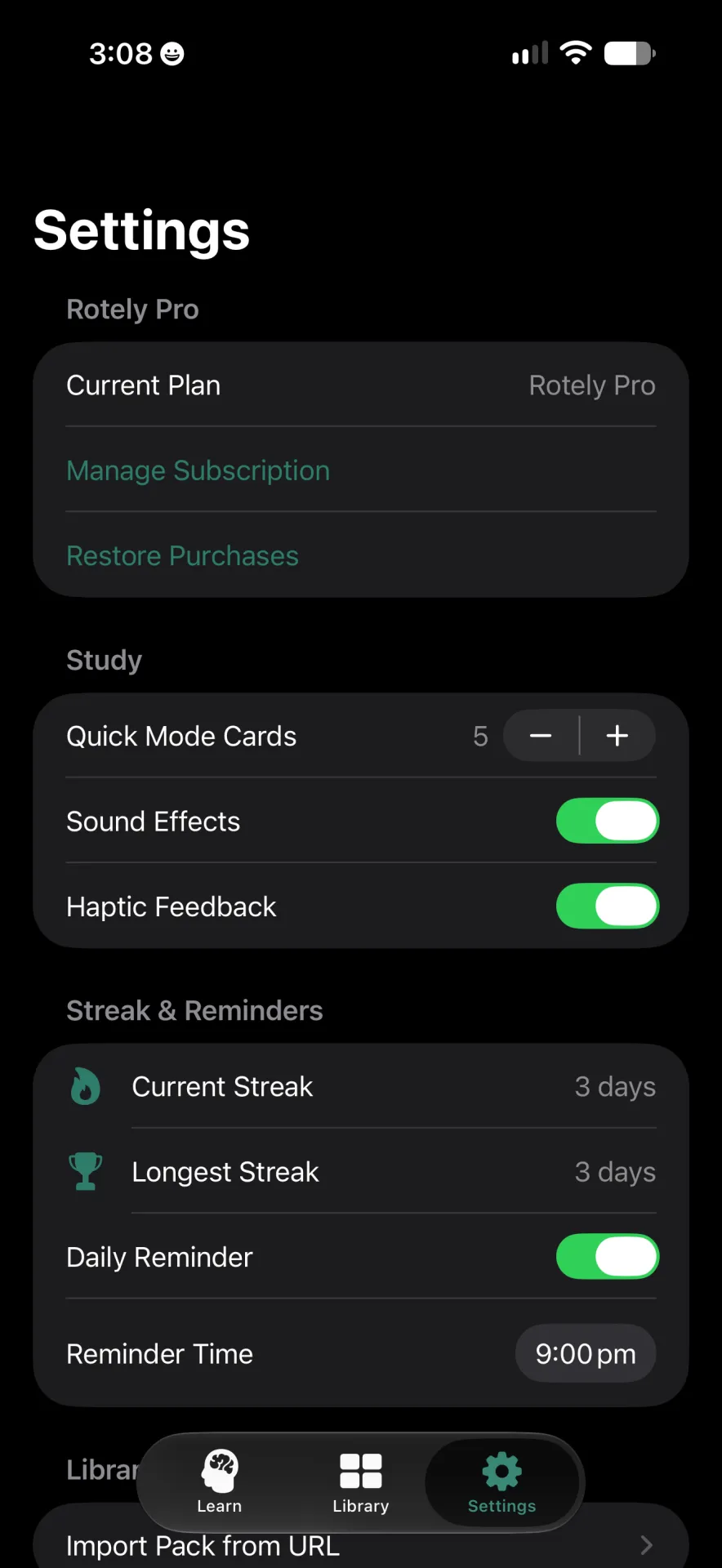
The Settings screen allows you to edit some settings for the Rotely app. Common settings are:
- Sound Effects
- Haptic Feedback
- Quick Mode Cards
These are the main screens within the Rotely app.